
FIX SIGN
Digital signatureYour order. Their signature.
From a proposal to a signed order — send from the customer card, sign from anywhere, and keep the sale moving in FixDigital.
Start 14 days freeNo credit card required
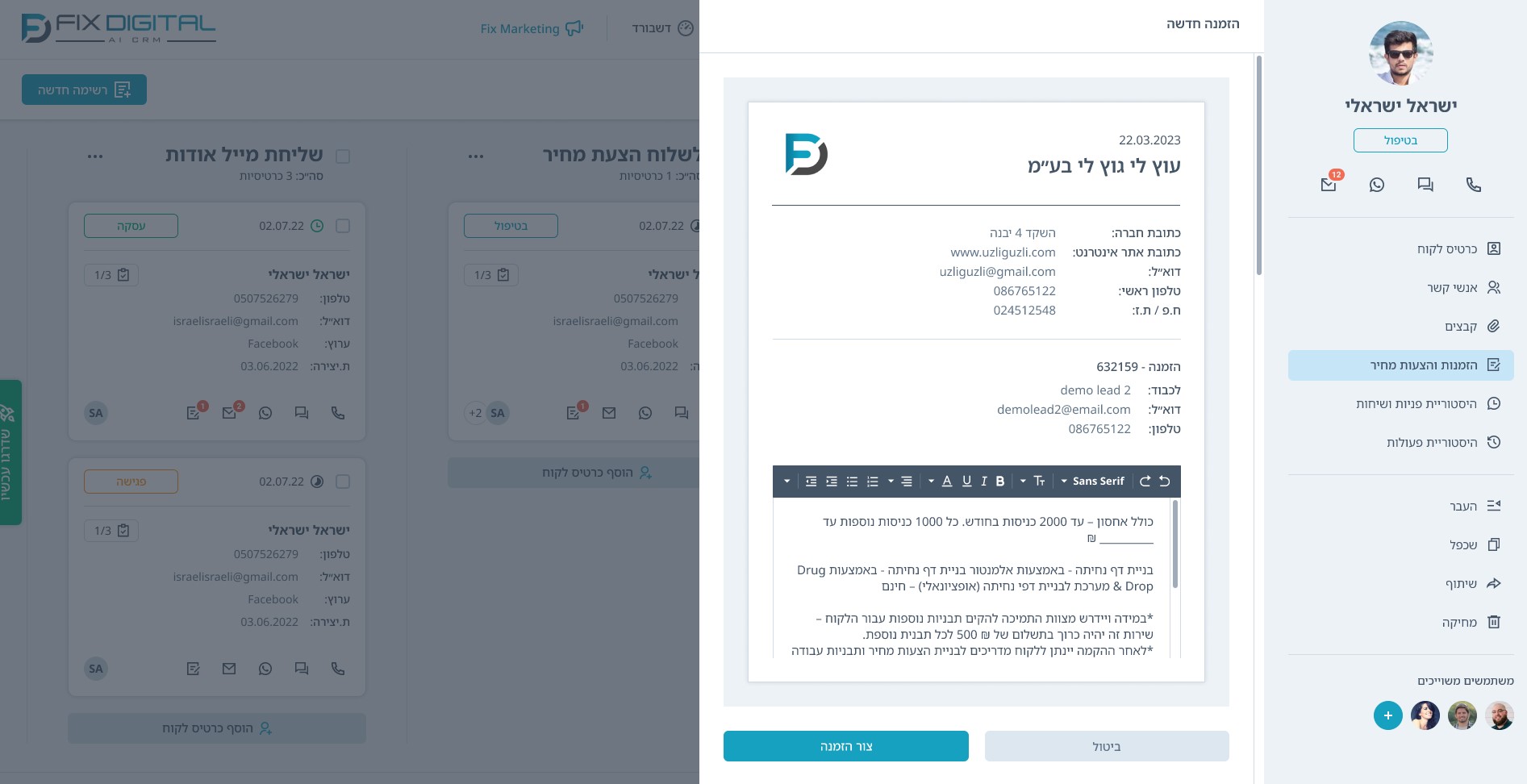

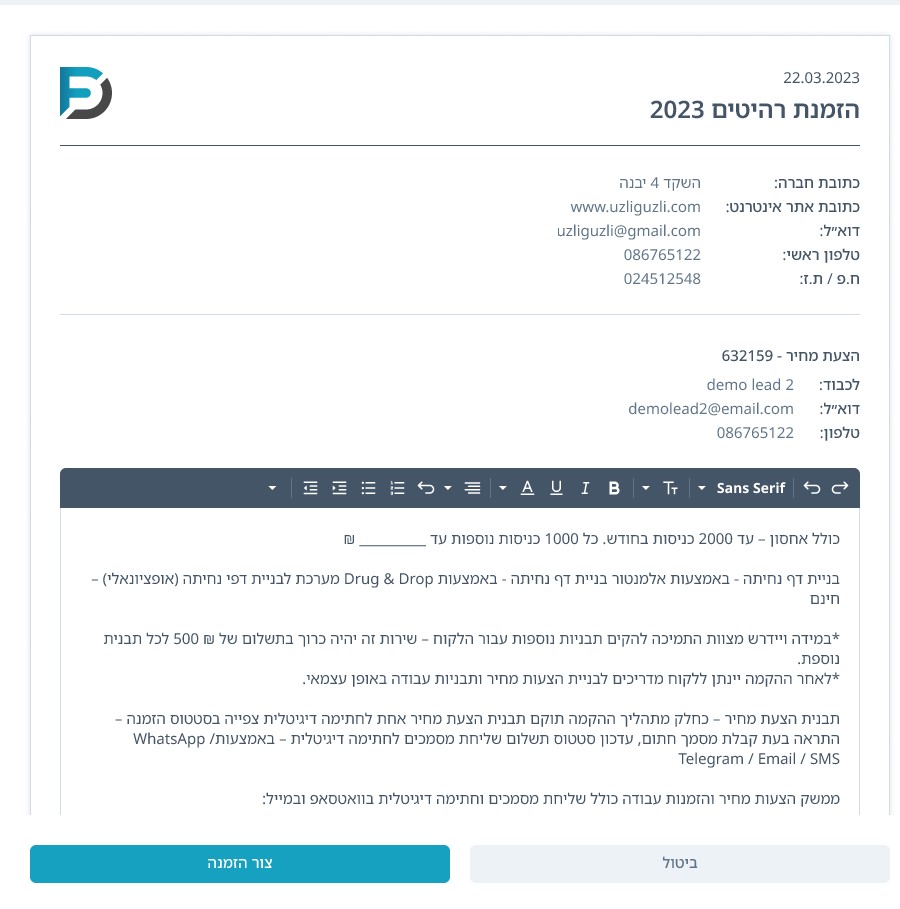
SIGN ON THE GO
Away from a computer?
The order needn't wait.
Between meetings, on site or on the move — the customer opens the link on their phone, reviews the order and signs directly on screen. The signed document returns to the customer card.
- Signing link via WhatsApp, email or SMS
- No printing, scanning or return to the office
- The same order on a smaller screen

REAL-TIME UPDATES.
From the moment it's opened.
Until the order is signed — your WhatsApp knows.
The salesperson receives a WhatsApp notification the moment the customer opens the proposal — and another one when the order is signed. No repeated document checks — the signature is recorded in CRM and the team can move on.

Screens are based on the system. Signing and notifications are illustrative.
Frequently Asked Questions
What is a digital signature?
A digital signature is a legal and secure way to sign documents online – no need for printing, scanning, or in-person meetings. The signature is legally binding and fully recognized. With FixDigital CRM, you can send documents for digital signature with a single click – directly from the customer’s profile.
How does digital signing work with FixDigital CRM?
In FixDigital CRM, you can upload a document (e.g., proposal, agreement, onboarding form), select the client, and send the file for signature. The signed document is automatically returned to the system and saved in the customer profile—with full tracking of who signed, when, and what was approved.
What should I check before using electronic signatures?
Legal recognition depends on the jurisdiction, document type and signing process. Check the requirements that apply to your agreement, including identification, timestamps and the signing record, and seek legal advice where needed.
What types of documents can be signed?
You can send any document for signature—proposals, contracts, registration forms, service approvals, meeting summaries, power of attorney forms, and more. Any PDF file can be customized with signature fields, names, dates, and additional data from the CRM.
How does the client receive the document for signature?
The client receives a personal link via email or WhatsApp, opens the document, and signs it with a single click—from their computer or mobile device. No app download is required. The signing process is quick, convenient, and secure.
What happens after the client signs?
The signed document is automatically stored in the client’s profile in FixDigital CRM, marked as “Signed” with date and time. You can also trigger automations—such as sending a receipt, opening a task, or updating the status to “Active.”
Can multiple parties sign the same document?
Absolutely. You can send a document with multiple signature fields in the desired order. The system manages the process until all parties have signed and the document is properly returned to the CRM.
Can I track the status of the signature?
Yes. FixDigital CRM shows the real-time signature status—Sent, Viewed, Signed. You can also set automated reminders for clients who haven’t signed within a specific timeframe.
Is the digital signature mobile-friendly?
Definitely! Every document is fully optimized for mobile, with interactive fields and the option to sign using a finger or by typing a name—for complete customer convenience.
Can digital signing be part of an automated sales process?
Yes. For example: a new lead completes a call > receives a proposal > signs digitally > the system updates status and continues the process. Everything runs automatically within FixDigital CRM—no manual intervention needed.